
TTFB
Quick Definition
TTFB (Time to First Byte) measures how long it takes for a visitor's browser to receive the first byte of data from your server. Google considers under 200ms good, 200-500ms needs improvement, and over 500ms poor.
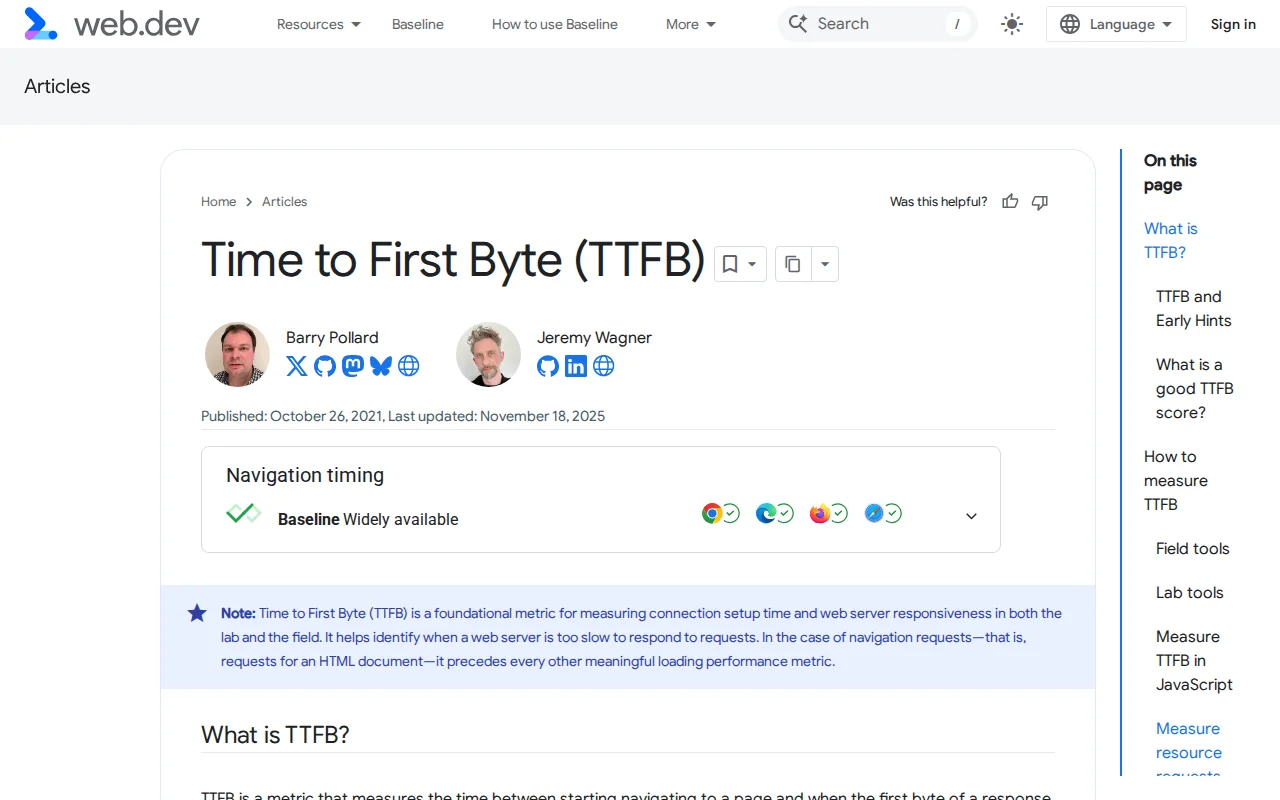
What Is TTFB?
TTFB stands for Time to First Byte. It measures the time between a visitor requesting your page and their browser receiving the very first byte of the server's response. It is essentially a measure of how quickly your server starts responding.
TTFB includes three phases:
- DNS lookup — Translating your domain name to an IP address via DNS
- Connection time — Establishing a TCP connection (and TLS/SSL handshake if using HTTPS)
- Server processing — The time your server takes to generate the response (run PHP, query the database, build the page)
Google's thresholds:
| Rating | TTFB |
|---|---|
| Good | < 200ms |
| Needs improvement | 200–500ms |
| Poor | > 500ms |
What Affects TTFB in WordPress
WordPress is dynamic — every page request runs PHP code and queries a MySQL database to build the HTML. Without optimization, this process can easily take 500ms or more. The biggest factors:
- Hosting quality — The single biggest factor. A cheap shared host might give 800ms+ TTFB. A quality managed host like Kinsta or Cloudways delivers under 200ms.
- Server-side caching — Without caching, WordPress rebuilds the page from scratch for every visitor. With page caching, the server returns a pre-built HTML file in milliseconds.
- Database optimization — Bloated databases with thousands of post revisions, spam comments, and transient data slow down queries.
- Number of plugins — Each plugin that runs on every page load adds PHP execution time.
- Server location — A server in the US responding to a visitor in Australia adds 200–300ms of network latency alone. A CDN solves this.
How to Measure TTFB
- Google PageSpeed Insights — Shows "Initial server response time" under Diagnostics
- Chrome DevTools — Network tab → click your page request → look at "Waiting (TTFB)"
- WebPageTest.org — Detailed waterfall showing TTFB from multiple locations
- GTmetrix — Shows TTFB as part of the page load waterfall
Why It Matters
TTFB is the starting gun for everything else. Your LCP, First Contentful Paint, and every other performance metric cannot begin until the first byte arrives. A 1-second TTFB means your page is guaranteed to take at least 1 second to show anything — and that is before images, CSS, and JavaScript even start loading. Reducing TTFB from 800ms to 200ms often improves total page load time by 1–2 seconds, which directly impacts your Google rankings and bounce rate.
Sources: web.dev, Google Search Central