
Keyword
Quick Definition
A keyword is a word or phrase that people type into search engines to find information. In SEO, you optimize your WordPress content around specific keywords so your pages show up when people search for those terms.
What Is a Keyword?
In SEO, a keyword is the word or phrase that someone types into Google when searching for something. "Best WordPress hosting," "how to start a blog," and "WordPress" are all keywords. Your goal as a WordPress site owner is to figure out which keywords your target audience is searching for, then create content that ranks for those terms on the SERP.
Keywords are the bridge between what people are searching for and the content you create. Get them right, and Google sends you a steady stream of free, targeted visitors. Get them wrong, and your content sits unseen — no matter how good it is.
Types of Keywords
Keywords are typically grouped by length and specificity:
- Short-tail keywords (1–2 words) — Broad terms like "WordPress" or "web hosting." They have massive search volume but extreme competition. Ranking for these as a new site is nearly impossible.
- Long-tail keywords (3+ words) — Specific phrases like "best free WordPress themes for blogs" or "how to speed up WordPress on shared hosting." They have lower search volume but much less competition and higher conversion rates. According to Ahrefs, 95% of all keywords get ten or fewer searches per month — meaning most keywords are long-tail.
- Mid-tail keywords — In between, like "WordPress SEO plugins" or "cheap WordPress hosting." Moderate volume, moderate competition.
Search Intent
Every keyword has an intent — the reason behind the search. Understanding intent is just as important as the keyword itself:
- Informational — The person wants to learn something: "what is a plugin"
- Navigational — They want a specific site: "WordPress login"
- Commercial — They are researching before buying: "Yoast vs Rank Math"
- Transactional — They are ready to act: "buy Astra Pro theme"
For WordPress content, most of your keywords will be informational (tutorials, guides) or commercial (comparisons, reviews). Matching your content to the right intent is critical — Google will not rank a product page for an informational query, and vice versa.
Keyword Research for WordPress
Finding the right keywords involves using tools like:
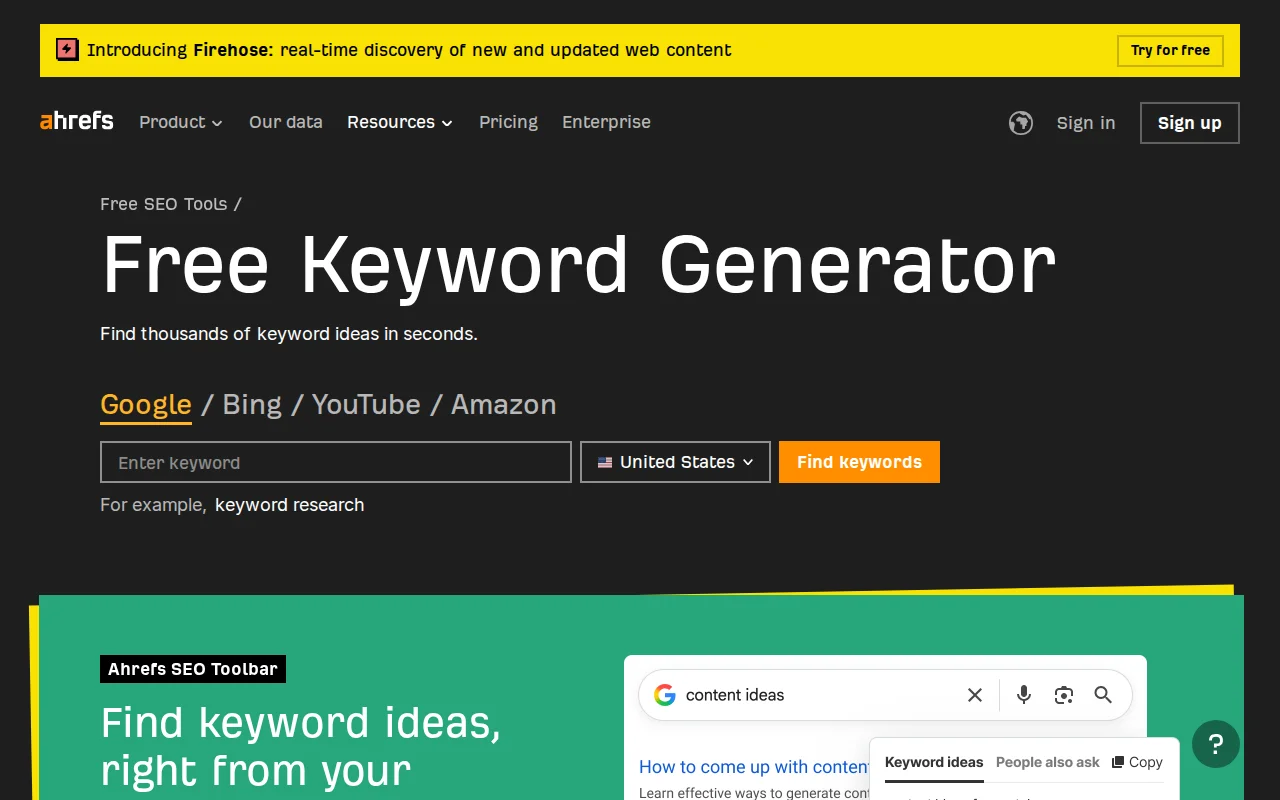
- Ahrefs Keyword Generator (free) — Shows search volume and keyword difficulty
- Google Search Console — Reveals which keywords your site already ranks for
- Google Autocomplete — Type a phrase and see what Google suggests
- AnswerThePublic — Visualizes questions people ask around a topic
Once you find a keyword, you place it in your page title, H1 heading, meta description, URL (slug), and naturally throughout your content. WordPress SEO plugins like Rank Math make this easy with real-time optimization scoring.
Why It Matters
Keywords are the foundation of every SEO strategy. Without keyword research, you are guessing what your audience wants. With it, you create content that matches real demand — and that is how you build organic traffic that grows month over month.
Sources: Google SEO Starter Guide, Google: Creating Helpful Content