
Header
Quick Definition
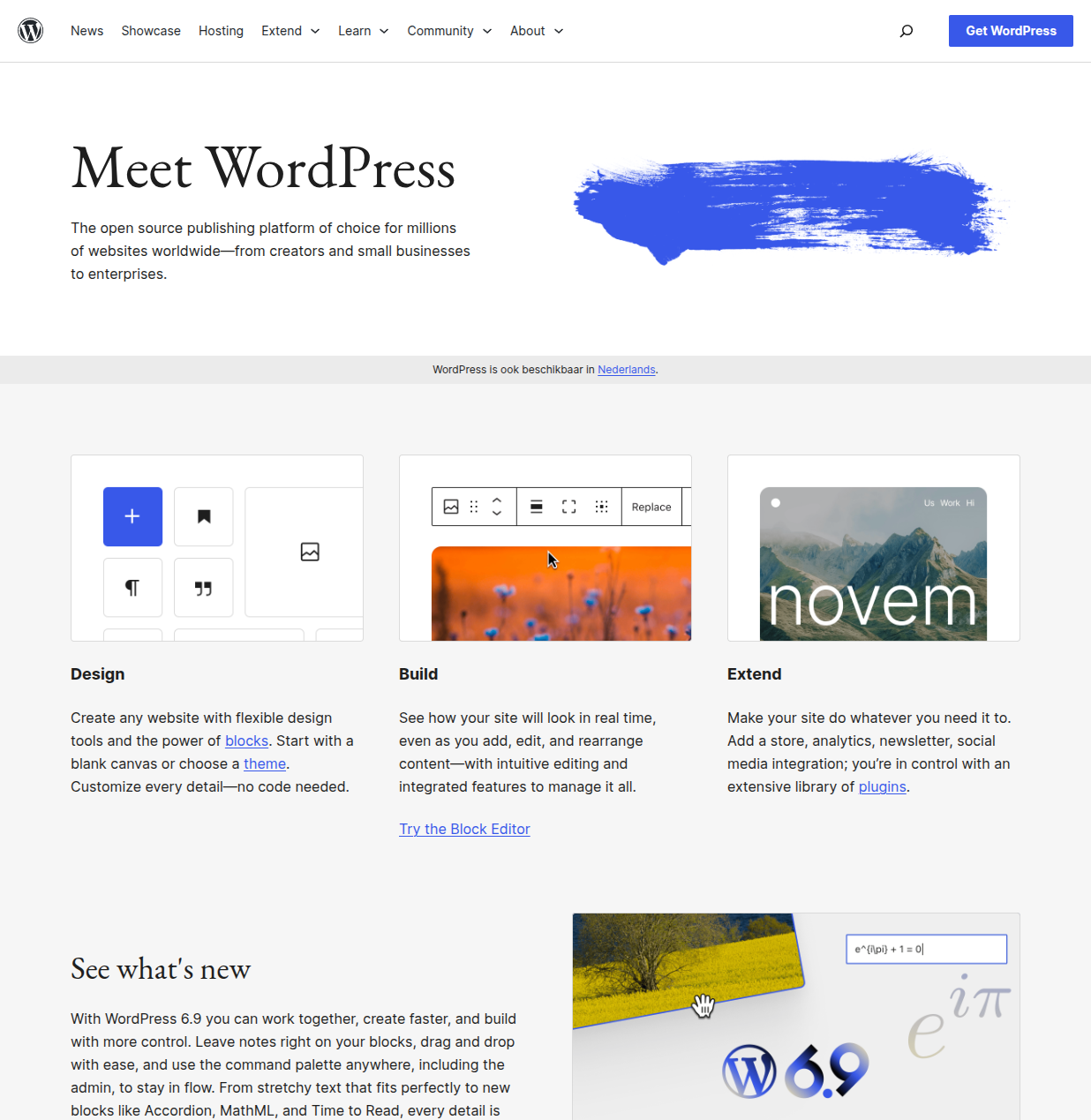
The header is the top section of your WordPress site that appears on every page. It typically contains your site logo, navigation menu, and sometimes a search bar or call-to-action button.
What Is a Header?
The header is the topmost section of your WordPress site, visible on every page. According to the WordPress Codex, the header is "typically the first thing people see" and is where visitors make "sweeping judgements about what they are about to see."
A WordPress header serves two purposes:
- Visual header — the visible bar at the top of every page containing your logo, navigation menu, and possibly a search bar, phone number, or CTA button
- HTML
<head>section — the invisible code section containing meta tags, stylesheets, scripts, and other technical elements loaded by thewp_head()function
In classic themes, the header is defined in header.php, loaded by the get_header() function. This file contains the opening HTML structure (<!DOCTYPE html>, <head>, opening <body>) plus the visual header elements.
The Header in Practice
Classic themes: The header is controlled by the header.php template file. Customizing it usually means editing theme settings via the Customizer (Appearance → Customize) where you can upload a logo, set a site title, and configure header layout options.
Block themes: The header is a template part that you edit in the Site Editor (Appearance → Editor → Template Parts → Header). You can add any blocks — site logo, navigation, search, social icons, buttons — and arrange them visually.
Essential elements in a good header:
- Site logo or name — linked to the homepage
- Primary navigation — your main menu (5-7 items max)
- Search — optional but helpful on content-heavy sites
- CTA button — optional (e.g., "Start Here" or "Get Started")
- Mobile hamburger menu — navigation collapses on small screens
The wp_head() hook is critical — it's where WordPress and plugins output essential code: CSS stylesheets, JavaScript files, meta descriptions, Open Graph tags, favicon references, and analytics tracking code. Every properly built theme calls wp_head() inside the <head> section.
Why It Matters
Your header sets the tone for your entire site. A clean, professional header builds trust instantly. A cluttered, confusing header drives visitors away before they read a word. Keep it simple: logo left, navigation right, one clear CTA. For theme options with great header designs, check our best themes guide and theme selection guide.
Sources: Developer.WordPress.org: get_header(), Theme Handbook: Custom Headers, Learn WordPress: Headers & Footers