
cPanel
Quick Definition
cPanel is a popular web hosting control panel that lets you manage your website, files, databases, email accounts, and domains through a visual dashboard instead of using command-line tools.
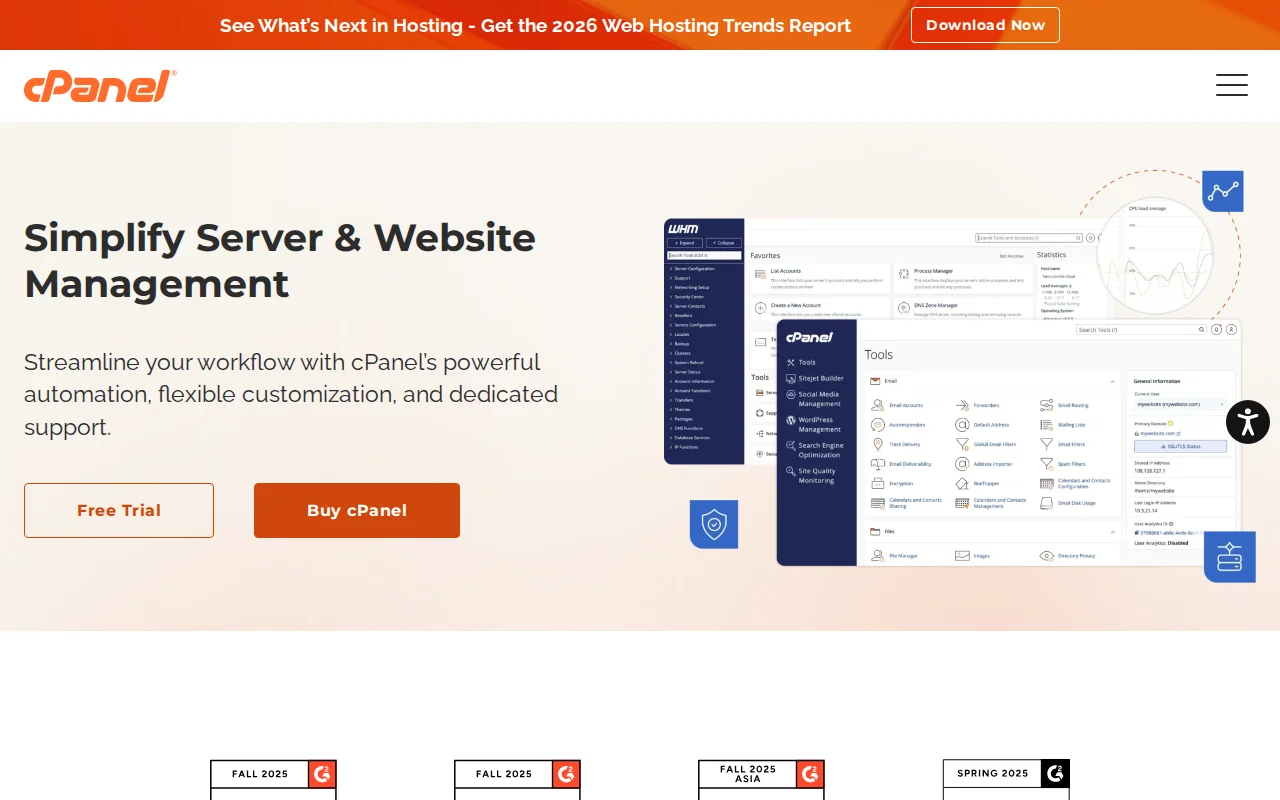
What Is cPanel?
cPanel is a web-based control panel that makes it easy to manage your web hosting account through a graphical interface. Instead of typing Linux commands to manage your server, you click icons and buttons in a dashboard. It was originally developed in 1996 and has since become the industry standard — powering over 1.4 million servers and managing more than 50 million domains worldwide.
Think of cPanel as the control center for your hosting account. It is to your web server what the WordPress dashboard is to your website — a visual way to manage everything without needing technical expertise.
Most shared hosting providers (like Hostinger, Bluehost, and SiteGround) include cPanel or a similar control panel with their plans at no extra cost. Managed WordPress hosts like Kinsta and WP Engine typically use their own custom dashboards instead.
What You Can Do with cPanel
cPanel organizes everything into categories with clear icons:
- File Manager — Browse, upload, edit, and delete files on your server without needing FTP software.
- Databases — Create and manage MySQL databases, which WordPress needs to store all your content.
- Email Accounts — Set up professional email addresses on your domain (like hello@yourdomain.com), configure forwarding, and manage spam filters.
- Domains — Add new domains, create subdomains, set up redirects, and manage DNS records.
- One-Click Installers — Install WordPress (and other apps) in minutes using tools like Softaculous or Installatron. No manual database setup required.
- Security — Manage SSL certificates, set up password-protected directories, block IP addresses, and configure your .htaccess file.
- Backups — Download full or partial backups of your website files and databases.
- Metrics — View visitor statistics, bandwidth usage, error logs, and resource usage.
Why It Matters
If you are on shared hosting, cPanel is likely the tool you will use to install WordPress, set up your email, manage your database, and handle SSL certificates. Understanding the basics of cPanel saves you from needing to contact support for routine tasks. Even if you never touch most of its features, knowing where to find File Manager, the database section, and the one-click WordPress installer will make your hosting experience significantly smoother.
Sources: cPanel Official Documentation, WordPress.org — Hosting WordPress