
Breadcrumb
Quick Definition
Breadcrumbs are a navigation trail that shows visitors where they are on your site — like Home > Blog > SEO > This Article. They improve user experience and can appear as rich results in Google search.
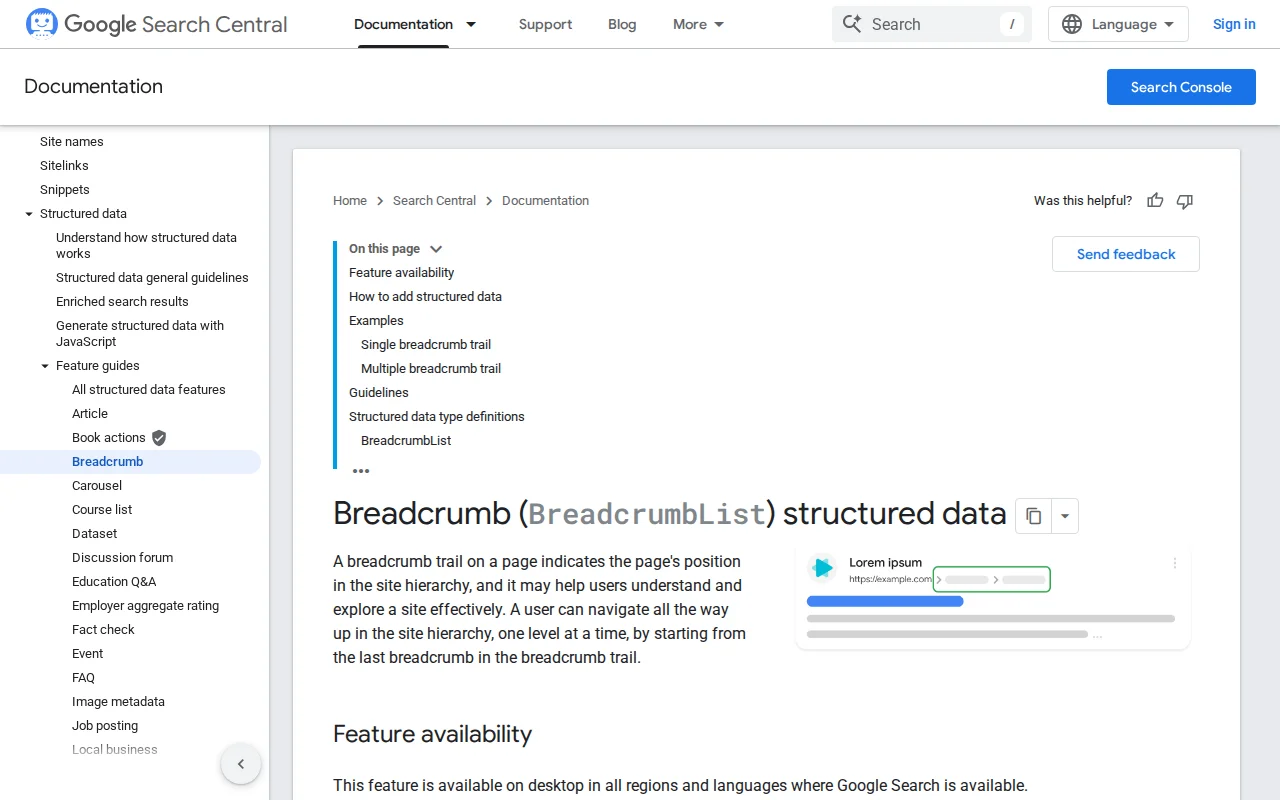
What Is a Breadcrumb?
A breadcrumb is a navigational element that shows the path from the homepage to the current page — like a trail of links: Home > Hosting > Managed WordPress Hosting > Kinsta Review. The name comes from the fairy tale of Hansel and Gretel, who dropped breadcrumbs to find their way back.
Breadcrumbs serve three purposes:
- User navigation — Visitors can click any level in the trail to jump back to a parent page. This is especially helpful on deep sites with many categories.
- SEO structure — Breadcrumbs create internal links between your pages, helping search engines understand your site hierarchy and discover content efficiently.
- Google rich results — When you add Schema markup (BreadcrumbList), Google can display your breadcrumb path directly in search results instead of the raw URL. This looks cleaner and increases click-through rates.
There are three types of breadcrumbs:
- Hierarchy-based (most common) — Shows the page's position in the site structure:
Home > Category > Subcategory > Page - Attribute-based — Shows filters or attributes:
Home > Shoes > Red > Size 10(common in e-commerce) - History-based — Shows the user's browsing path (rare, less useful for SEO)
In WordPress, breadcrumbs are typically added through:
- SEO plugins — Yoast SEO and Rank Math both include breadcrumb functionality with automatic Schema markup generation
- Dedicated plugins — Breadcrumb NavXT is the most customizable option for complex site structures
- Theme built-in — Many WordPress themes include breadcrumbs in their templates
- WordPress 7.0 — WordPress 7.0 introduces a native Breadcrumbs block for block themes
The Schema markup for breadcrumbs uses the BreadcrumbList type in JSON-LD format. When implemented correctly, Google displays the breadcrumb trail in search results instead of your URL — for example, showing ZeroToWP > Glossary > Breadcrumb instead of zerotowp.com/glossary/breadcrumb.
Breadcrumbs in Practice
Best practices for WordPress breadcrumbs:
- Place them at the top of the page content, below the header but above the main title
- Use hierarchy-based breadcrumbs for most sites — they match your category structure
- Always include BreadcrumbList Schema markup — use Yoast, Rank Math, or Breadcrumb NavXT to generate it automatically
- The last item in the trail (current page) should not be a link — it is where the user already is
- Use the right separator —
>or/are standard; avoid ambiguous characters
Verify your breadcrumb markup works using Google's Rich Results Test. In Google Search Console, check Enhancements > Breadcrumbs for errors and validation status.
Why It Matters
Breadcrumbs are a small UI element with outsized impact. They improve navigation for visitors, strengthen your internal linking structure for SEO, and earn enhanced search result displays through Schema markup. For any WordPress site with more than a handful of pages, breadcrumbs are a best practice — not optional.