
Author
Quick Definition
In WordPress, an Author is a user role that can write, edit, publish, and delete their own posts — but cannot touch other users' content or manage site settings.
What Is an Author?
Two meanings: (1) a user role — can publish/edit/delete own posts, upload files, but can't touch others' content. (2) The writer of a post — shown in bylines and author archives.
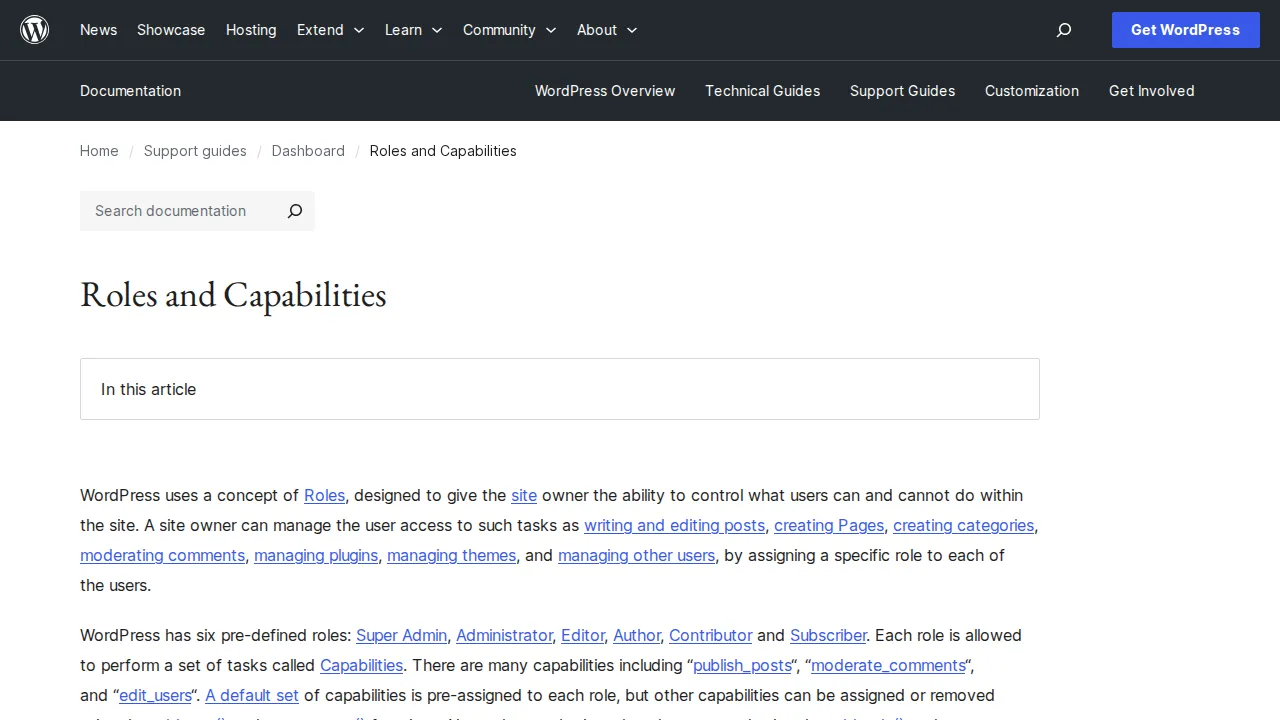
6 roles: Super Admin, Administrator, Editor, Author, Contributor, Subscriber.
Author archive at /author/username/ — important for E-E-A-T. Set Gravatar and bio.
Why It Matters
Right role = right permissions. See our dashboard guide and security guide.
Sources: WordPress Plugin Handbook: Roles and Capabilities, WordPress.org: Roles and Capabilities
Related Terms
BlogA blog (short for "weblog") is a website or section of a website with articles displayed in reverse chronological order — newest first. WordPress was originally built as a blogging platform.DashboardThe WordPress Dashboard is the first screen you see after logging in. It's your site's control center — showing a summary of your content, recent activity, and quick links to every admin feature.GravatarGravatar (Globally Recognized Avatar) is a free service by Automattic that links your email address to a profile photo. WordPress uses it to display avatars next to comments and author bios.
Related Articles
How to Start a Blog with WordPress (Complete 2026 Guide)Starting a blog has never been easier or more rewarding. I've launched over a dozen blogs since 2006, and I'll walk you through the exact 7-step process to go from zero to your first published post — plus how to get your first 1,000 visitors and actually make money from your blog.WordPress Security Checklist: 12 Steps to Protect Your SiteWordPress doesn't get hacked because it's insecure — it gets hacked because people skip basic precautions. Here is the 12-step WordPress security checklist I follow on every site I build.The WordPress Dashboard Explained — A Complete Beginner's TourJust logged into WordPress for the first time and feeling overwhelmed? I walk you through every menu, every screen, and every button in the WordPress dashboard so you know exactly where everything lives.