
WordPress Playground
Quick Definition
WordPress Playground is a free, browser-based tool that runs a full WordPress installation directly in your web browser using WebAssembly — no server, no hosting, no installation needed.
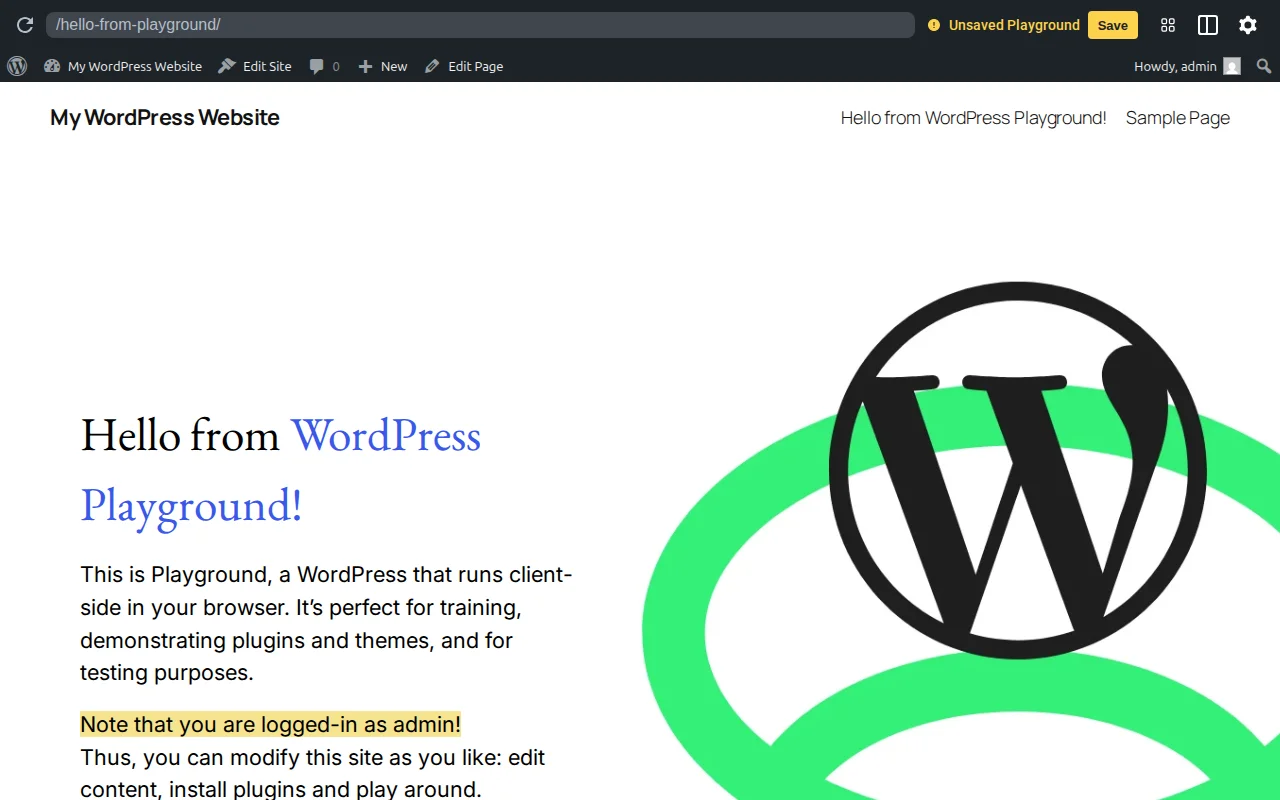
What Is WordPress Playground?
WordPress Playground is a full WordPress installation that runs entirely inside your web browser. No hosting, no server, no downloads — just open playground.wordpress.net and you have a working WordPress site in seconds. It is free, open-source, and works on any device with a modern browser.
The technology behind it is WebAssembly (WASM) — a web standard that lets your browser execute code that normally requires a server. WordPress Playground compiles PHP to WebAssembly and uses SQLite instead of MySQL as the database. The result: WordPress runs client-side, completely independent of any hosting infrastructure.
You can use WordPress Playground to:
- Test plugins and themes — Install any plugin from wordpress.org and test it without risking your live site
- Try different WordPress versions — Test your site against WordPress 7.0 beta or any past release
- Test PHP versions — Check compatibility with different PHP versions before upgrading your server
- Learn WordPress — Perfect for beginners who want to explore the dashboard without setting up hosting
- Build and preview themes — Create block themes directly in the browser and export them
- Share demos — Embed a working WordPress demo on any website using a single
<iframe>tag
Playground uses Blueprints — JSON configuration files that define the starting state: which WordPress version, which plugins to install, which theme to activate, and which settings to apply. You can create a Blueprint, share the URL, and anyone who opens it gets the exact same WordPress setup.
WordPress Playground in Practice
Playground is already integrated into the WordPress ecosystem. When you browse a plugin on wordpress.org, the "Live Preview" button opens the plugin in Playground so you can test it before installing. GitHub pull requests for WordPress core use Playground to provide one-click testing environments for reviewers.
For developers, Playground runs in Node.js, VS Code, and as a CLI tool — not just in the browser. You can script Playground instances for automated testing, embed interactive WordPress demos in documentation, and even build native mobile apps that run WordPress locally using Playground's engine.
The main limitation: Playground instances are temporary by default. When you close the browser tab, your changes disappear. However, you can save your state to keep changes across sessions, and Playground supports exporting your work to a regular WordPress installation when you are ready to go live.
Why It Matters
WordPress Playground removes every barrier to trying WordPress. No hosting costs, no technical setup, no risk. For beginners, it is the fastest way to learn. For developers, it is the safest way to test. For the WordPress project, it makes the platform instantly accessible to anyone with a browser — which is exactly the kind of democratization WordPress was built for.