
Localhost
Quick Definition
A hostname (127.0.0.1) that points to your own computer, letting you run a local web server to build and test WordPress sites without hosting or an internet connection.
What Is Localhost?
Localhost is the default hostname that refers to your own computer. When you type localhost into a browser's address bar, you are telling the browser to connect to a server running on the same machine — not a remote web server on the internet. Behind the scenes, localhost resolves to the IP address 127.0.0.1 (IPv4) or ::1 (IPv6). This address is part of the loopback network interface, meaning any data sent to it loops straight back to your computer without ever hitting a network cable.
For WordPress developers, localhost is where the magic starts. Instead of buying hosting and uploading files every time you want to test a change, you install a local server stack — Apache or Nginx, PHP, and MySQL — on your own machine. Your computer becomes a miniature web server, and your WordPress site runs at an address like http://localhost:8888 or http://mysite.local.
Several tools make this setup effortless:
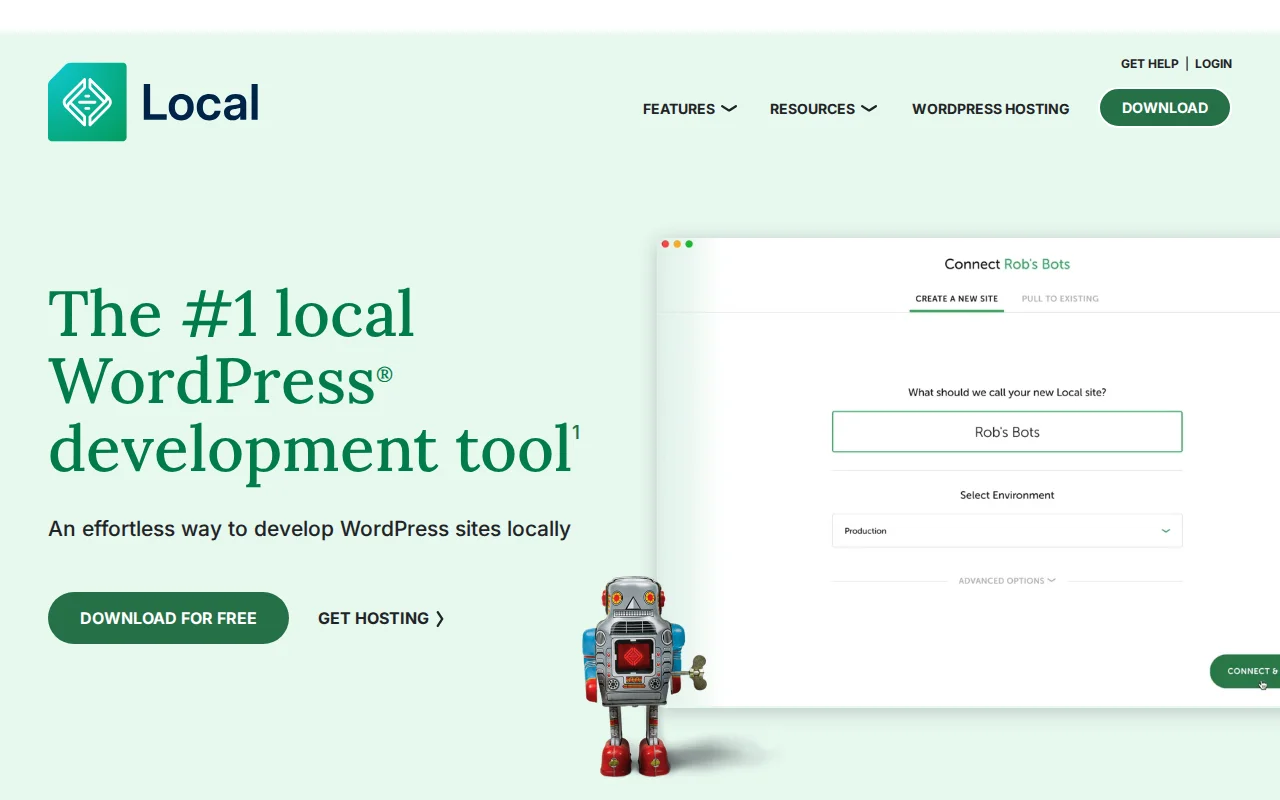
- LocalWP (formerly Local by Flywheel) — a one-click WordPress installer with built-in SSL, WP-CLI, and cloud backups. Free and available on Mac, Windows, and Linux.
- DevKinsta — Kinsta's free local development suite with one-click push to Kinsta staging servers.
- MAMP / MAMP PRO — a classic tool that bundles Apache, Nginx, PHP, and MySQL. Still popular on macOS.
- XAMPP — a cross-platform stack from Apache Friends that includes Apache, MariaDB, PHP, and Perl.
Because everything runs locally, you do not need an internet connection to build or test your site.
Localhost in Practice
A typical local development workflow looks like this: you create a new site in LocalWP or DevKinsta, install your theme and plugins, build out pages, and test until everything works. When you are happy with the result, you push the site to a staging environment on your hosting provider for a final review. After approval, you deploy to the live production server.
Working on localhost has clear benefits. Pages load instantly because there is zero network latency. You pay nothing for hosting during development. And you can experiment freely — break things, reset the database, try a different theme — without any risk to a live website visitors can see.
Why It Matters
Whether you are building your first WordPress site or managing a client workflow, understanding localhost is foundational. It keeps your development fast, free, and safe. Nearly every professional WordPress developer starts a new project on localhost before it ever touches a live server.