
Vulnerability
Quick Definition
A vulnerability is a security flaw in WordPress core, a plugin, or theme that attackers can exploit to gain unauthorized access, inject malicious code, or steal data. In 2025, over 11,000 new WordPress vulnerabilities were discovered — 91% in plugins.
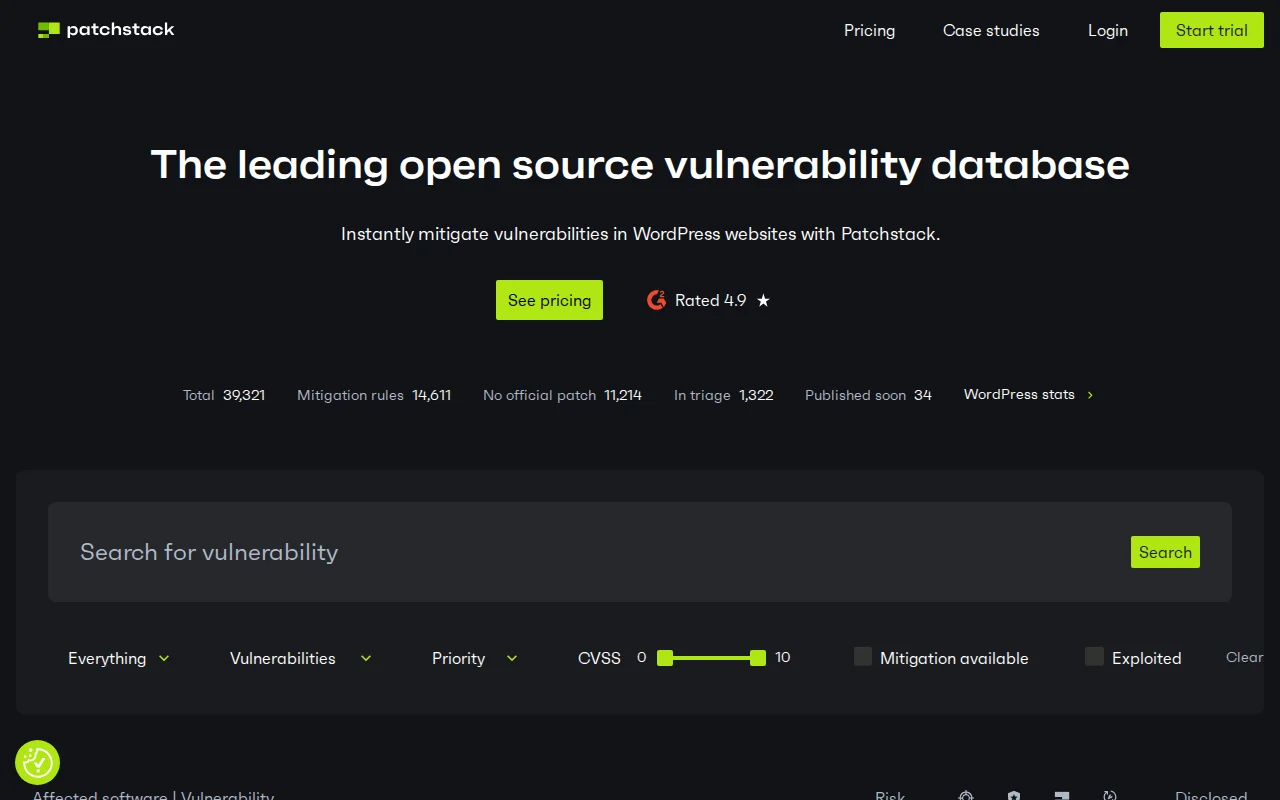
What Is a Vulnerability?
A vulnerability is a weakness or flaw in software code that an attacker can exploit to do something the software was not designed to allow — accessing restricted data, injecting malicious scripts, taking over admin accounts, or executing arbitrary commands on your server.
In WordPress, vulnerabilities appear most often in third-party plugins and themes, because the ecosystem is enormous and code quality varies widely. WordPress core itself is audited rigorously — in all of 2025, only 6 core vulnerabilities were discovered out of 11,334 total.
Each confirmed vulnerability is assigned a CVE (Common Vulnerabilities and Exposures) ID — a standardized identifier that lets security tools, hosting providers, and developers track and patch specific flaws systematically.
Common WordPress Vulnerability Types
| Type | How It Works | Share of WP Vulns |
|---|---|---|
| XSS (Cross-Site Scripting) | Attacker injects malicious JavaScript into a page; victims’ browsers execute it, enabling cookie theft or redirects | 47.7% |
| Broken Access Control | Users can perform actions above their permission level — e.g., a subscriber editing posts or accessing settings | 14.2% |
| CSRF (Cross-Site Request Forgery) | Tricks a logged-in admin into unknowingly submitting a malicious form or request | 11.4% |
| SQL Injection | Unsanitized input lets attackers run arbitrary database queries — reading passwords, creating admin accounts | 5.1% |
| RCE (Remote Code Execution) | Attacker uploads or triggers arbitrary code execution on your server — the most severe category | <2% |
| Privilege Escalation | A low-level user (subscriber, contributor) gains admin-level access through a flaw in role checks | <2% |
Source: Patchstack State of WordPress Security 2026
How to Protect Your Site
- Keep everything updated — The single most effective action. Most attacks exploit known vulnerabilities with available patches. Update WordPress core, plugins, and themes as soon as updates ship.
- Remove unused plugins and themes — Every inactive plugin is still a potential attack surface. If you are not using it, delete it entirely (not just deactivate).
- Use a vulnerability scanner — Patchstack and Wordfence alert you the moment a plugin you use receives a new CVE, often before you would notice manually.
- Apply a firewall (WAF) — A web application firewall can block exploit attempts even for vulnerabilities that are not yet patched, buying you time.
- Enforce strong authentication — Many vulnerabilities require an authenticated user to trigger. Strong passwords plus two-factor authentication significantly reduce the blast radius of access-control flaws.
- Check file permissions — Correct permissions limit what an attacker can read or write even after exploiting a flaw.
Why It Matters
The scale of the problem is significant. According to Patchstack’s 2026 security report, 11,334 new vulnerabilities were disclosed in the WordPress ecosystem in 2025 alone — a 42% jump from 2024. Of those, 1,966 were rated high severity.
Speed of exploitation is the other alarming factor: for heavily targeted vulnerabilities, the median time from public disclosure to mass exploitation is just 5 hours. Seventy percent of exploits occur within the first week. Waiting for your monthly manual update is not a strategy — automated alerts and fast patching are essential.
The good news: plugins account for 91% of all vulnerabilities, which means the risk is highly concentrated and manageable. Auditing your active plugins, removing unused ones, and subscribing to vulnerability alerts covers the vast majority of your attack surface.
See also: malware, firewall, brute force — and our full WordPress security guide for a step-by-step hardening checklist.
Sources: Patchstack State of WordPress Security 2026 · Patchstack Vulnerability Statistics