
Topical Map
Quick Definition
A topical map is a strategic plan that outlines every article you need to write to completely cover a topic — organized into clusters with pillar pages and supporting content, all interlinked.
What Is a Topical Map?
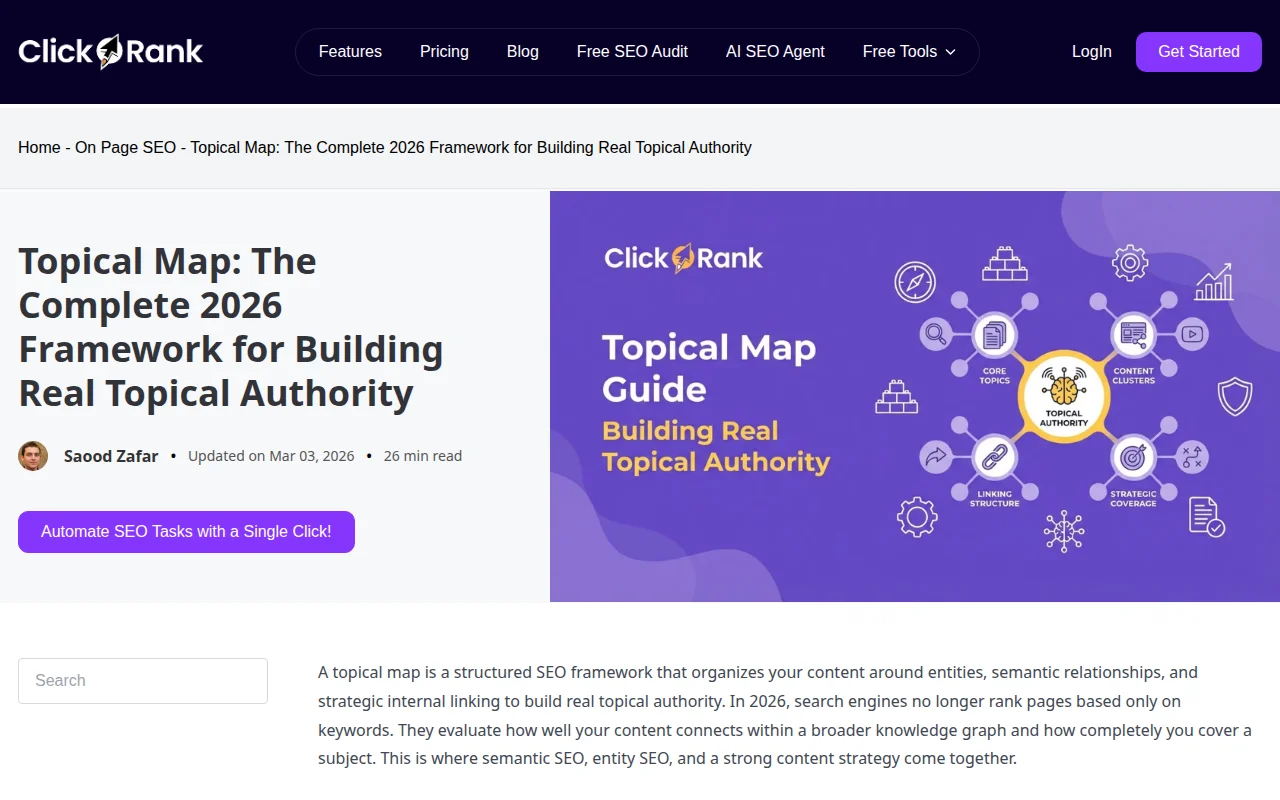
A topical map is your content blueprint. It is a structured plan that maps out every piece of content you need to create to comprehensively cover a topic — organized into clusters, with clear relationships between articles and a deliberate internal linking strategy.
Think of it as the architectural drawing for your site's content. Before you write a single article, the topical map tells you:
- What topics to cover — Every subtopic, question, and angle your audience searches for
- How to organize them — Grouped into topic clusters with pillar pages and supporting articles
- How they connect — Which articles link to which, creating a dense web of internal links
- What to write first — Priority based on search volume, competition, and strategic importance
A topical map for a WordPress hosting cluster might look like this:
- Pillar: "WordPress Hosting: The Complete Guide"
- Cluster: "Best Managed WordPress Hosting"
- Cluster: "Hostinger Review"
- Cluster: "SiteGround Review"
- Cluster: "Shared vs VPS vs Dedicated Hosting"
- Cluster: "How to Migrate WordPress to a New Host"
- Cluster: "What Is cPanel?"
- Cluster: "How to Choose a Domain Name"
The pillar links to every cluster article. Every cluster article links back to the pillar and to 2–3 related clusters. This hub-and-spoke architecture builds topical authority — Google sees your site as the definitive resource on that subject.
You create a topical map using:
- Keyword research — Tools like Ahrefs, Semrush, or free alternatives like Google's "People Also Ask" and autocomplete
- Competitor analysis — What do the top-ranking sites in your niche cover that you do not?
- AI tools — Topical map generators (TopicalMap.ai, WP SEO AI) analyze SERPs and suggest clusters automatically
- Manual planning — A spreadsheet with columns for topic, search intent, target keyword, cluster, status, and publish date
Topical Maps in Practice
Sites that build content from a topical map see an average 40% increase in organic traffic compared to sites that publish random, unconnected articles. The structure is the strategy.
For WordPress, implement your topical map using:
- Categories as clusters — Each WordPress category maps to a topic cluster
- Pillar pages as comprehensive hub articles with a table of contents linking to all cluster articles
- Internal linking plugins — Link Whisper or Rank Math's link suggestions help you maintain the interlinking structure as you publish
Start with one cluster of 10–15 articles. Complete it before moving to the next. A half-built cluster has less topical authority than a finished one.
Why It Matters
Without a topical map, you are guessing. You write articles that may overlap, leave gaps in your coverage, and miss the interlinking that signals expertise to Google. A topical map turns content creation from random blogging into a strategic system — and that system is what separates sites that grow from sites that stall.