
Query Loop
Quick Definition
The Query Loop block displays a dynamic list of posts in the WordPress block editor based on filters you set — like post type, category, tag, or author — without writing any code.
What Is the Query Loop?
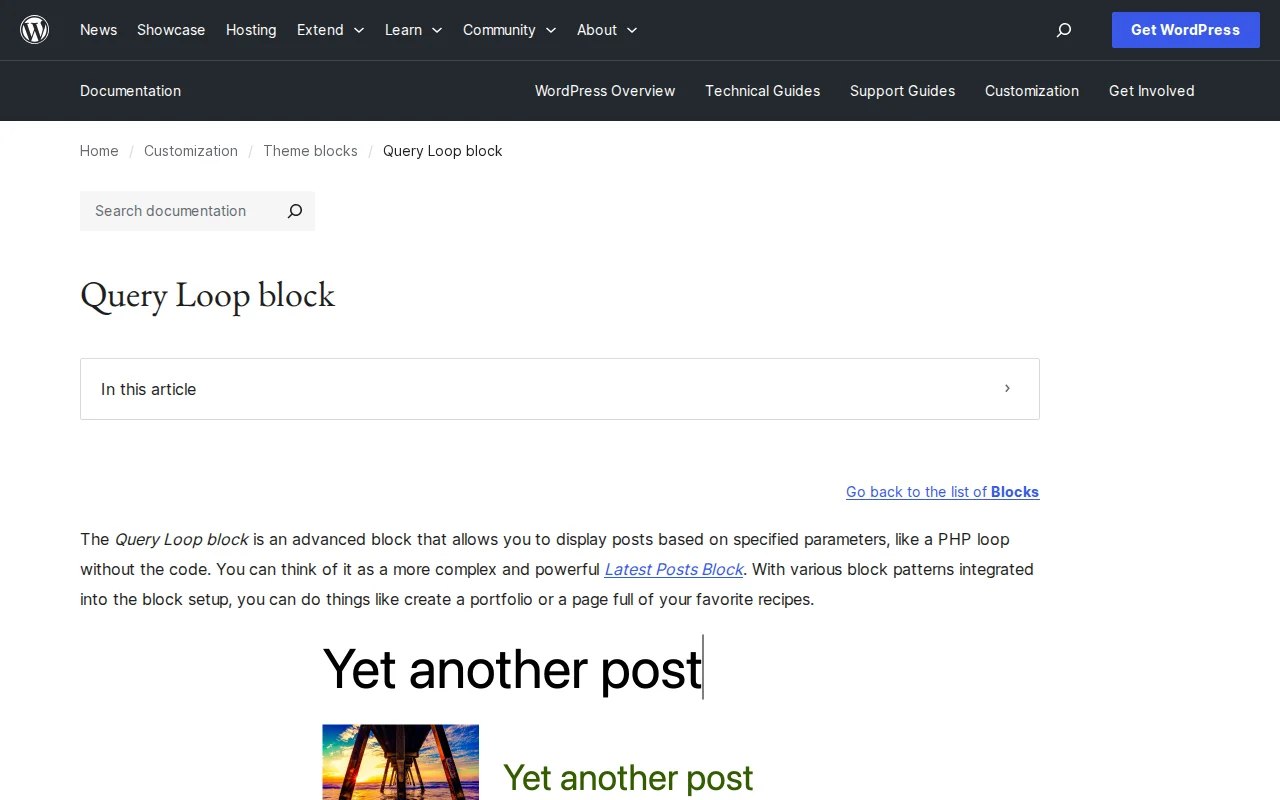
The Query Loop block is one of the most powerful blocks in WordPress. It dynamically displays a list of posts based on criteria you define — which post type to show, which categories or tags to filter by, how to sort them, and how many to display. Think of it as a visual version of the PHP loop that developers use to display posts — except you build it entirely in the block editor.
The block has four main components:
- Query Loop — The outer container where you configure what content to fetch
- Post Template — Controls how each post is displayed (list or grid layout)
- Pagination — Adds next/previous buttons or page numbers
- No Results — A fallback message when the query returns nothing
Inside the Post Template, you place inner blocks that pull data from each post:
- Post Title — The clickable post title
- Post Featured Image — The post's featured image
- Post Excerpt — A summary of the content
- Post Date — When it was published
- Post Author — Who wrote it
The filtering options are comprehensive. When you toggle off "Inherit query from template," you can filter by:
- Post type — Posts, Pages, or any custom post type (including WooCommerce products)
- Categories and tags — Show posts from specific taxonomies
- Authors — Filter by one or more authors
- Keywords — Search within post content
- Sticky posts — Include, exclude, or show only sticky posts
- Order — Newest first, oldest first, A-Z, Z-A
You can also set items per page, offset (skip the first N posts), and maximum pages.
Query Loop in Practice
The Query Loop block is how block themes display post listings. When you open the Site Editor and look at your blog archive template, the Query Loop is what renders the list of posts. It replaces the classic PHP while ( have_posts() ) loop with a visual, no-code equivalent.
Common uses beyond the blog archive include: displaying related posts at the bottom of an article (filter by same category), showing the latest 3 posts on the homepage, creating a portfolio grid filtered by custom taxonomy, or building a WooCommerce product showcase. The Advanced Query Loop plugin (free) adds even more filtering options for complex use cases.
For developers, the Query Loop block can be extended by registering custom block variations with preset query parameters — letting you create specialized "blocks" (like "Latest News" or "Featured Products") that non-technical users can insert without configuring anything.
Why It Matters
The Query Loop block is what makes the block editor a real site builder, not just a content editor. Before it existed, displaying a filtered list of posts required a shortcode, a PHP template, or a page builder. Now you can do it visually, with full control over filtering, layout, and pagination — and it works with any post type, including WooCommerce products.