
Global Styles
Quick Definition
Global Styles is the design system in WordPress block themes that lets you control colors, typography, spacing, and layout across your entire site from one place — either through the theme.json file or the Styles panel in the Site Editor.
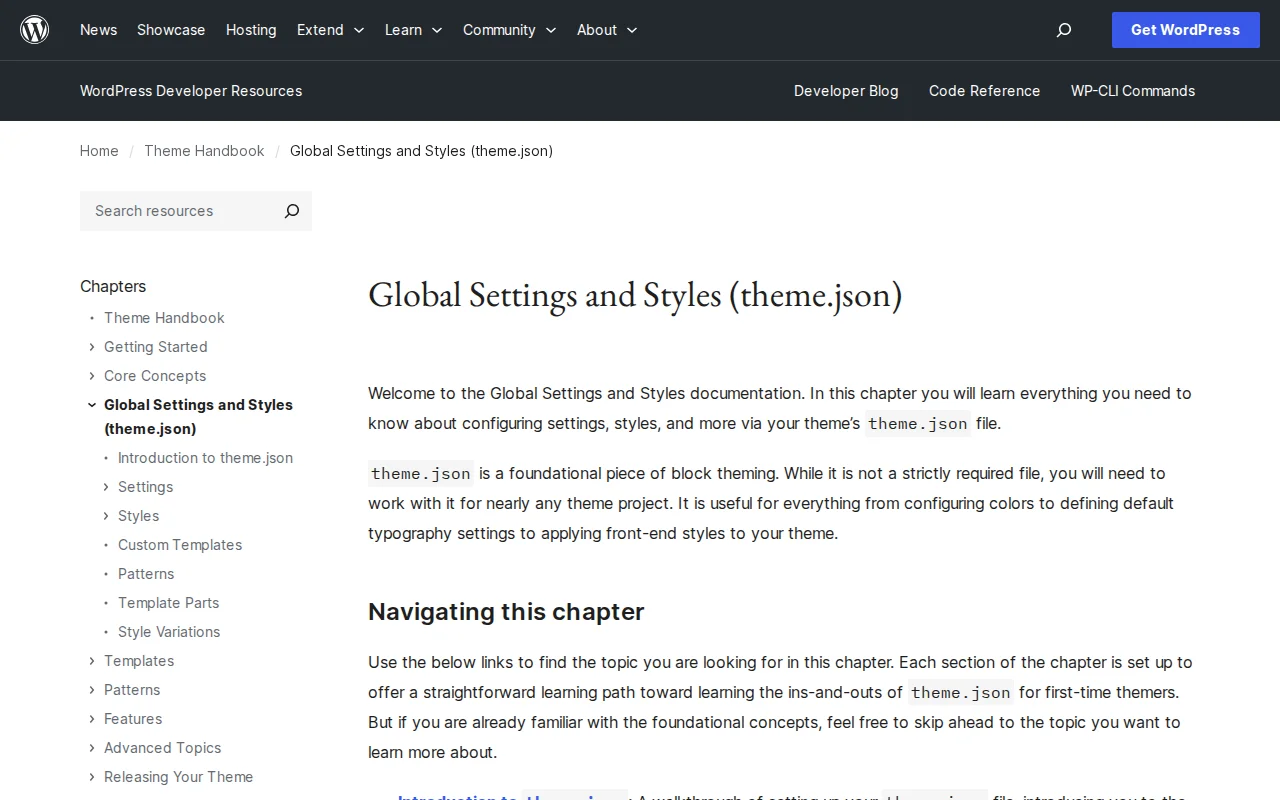
What Are Global Styles?
Global Styles is the centralized design system that powers block themes in WordPress. It lets you define how your entire site looks — colors, fonts, spacing, borders, shadows, and layout — from a single source of truth instead of scattering CSS rules across multiple files.
Global Styles works through two layers:
- theme.json — A configuration file in your theme's root directory where developers define default settings and styles. It controls which design options are available and what their defaults are.
- Styles panel — A visual interface in the Site Editor (Appearance > Editor > Styles) where users can customize the developer's defaults without touching code.
The theme.json file has several key sections:
- settings — Define available options: color palettes, font families and sizes, spacing presets, layout widths, and which features to enable (like drop caps, padding controls, or line-height)
- styles — Apply default CSS: background colors, typography, spacing, borders, and custom CSS for the site, specific elements (headings, links, buttons), and individual blocks
- customTemplates — Register metadata for templates in your
/templatesfolder - templateParts — Register metadata for template parts in your
/partsfolder - patterns — Register patterns from the WordPress Pattern Directory
When a user changes a color or font in the Styles panel, WordPress stores those customizations in the database and merges them with the theme's theme.json defaults. The theme's settings define what is possible; the user's choices override the defaults.
Global Styles replaced the Customizer for block themes. Where the Customizer let you tweak theme-specific options, Global Styles provides a standardized, block-level design system that works the same way across all block themes.
Global Styles in Practice
As a theme developer, you define your design tokens in theme.json. For example, you set a color palette with five brand colors, three font sizes, and a content width of 1200px. Users can then customize those values in the Styles panel — changing the primary color, switching fonts, or adjusting spacing — all without writing CSS.
Global Styles also supports style variations — alternative theme.json files that offer completely different color schemes or typography presets. Users can switch between variations with one click in the Styles panel, giving them multiple design options from a single theme.
For developers who prefer writing CSS over JSON, WordPress also supports adding styles via style.css or theme.css alongside theme.json. The two approaches can work together.
Why It Matters
Global Styles is the foundation of modern WordPress theme design. If you build or customize block themes, understanding theme.json and the Styles panel is essential. It gives you a clean, maintainable way to define your site's visual identity while empowering non-technical users to make design changes safely — without risking broken layouts or conflicting CSS.