
Template Part
Quick Definition
A template part is a reusable section of a block theme — like a header or footer — stored as an HTML file in the /parts/ directory and edited visually in the WordPress Site Editor.
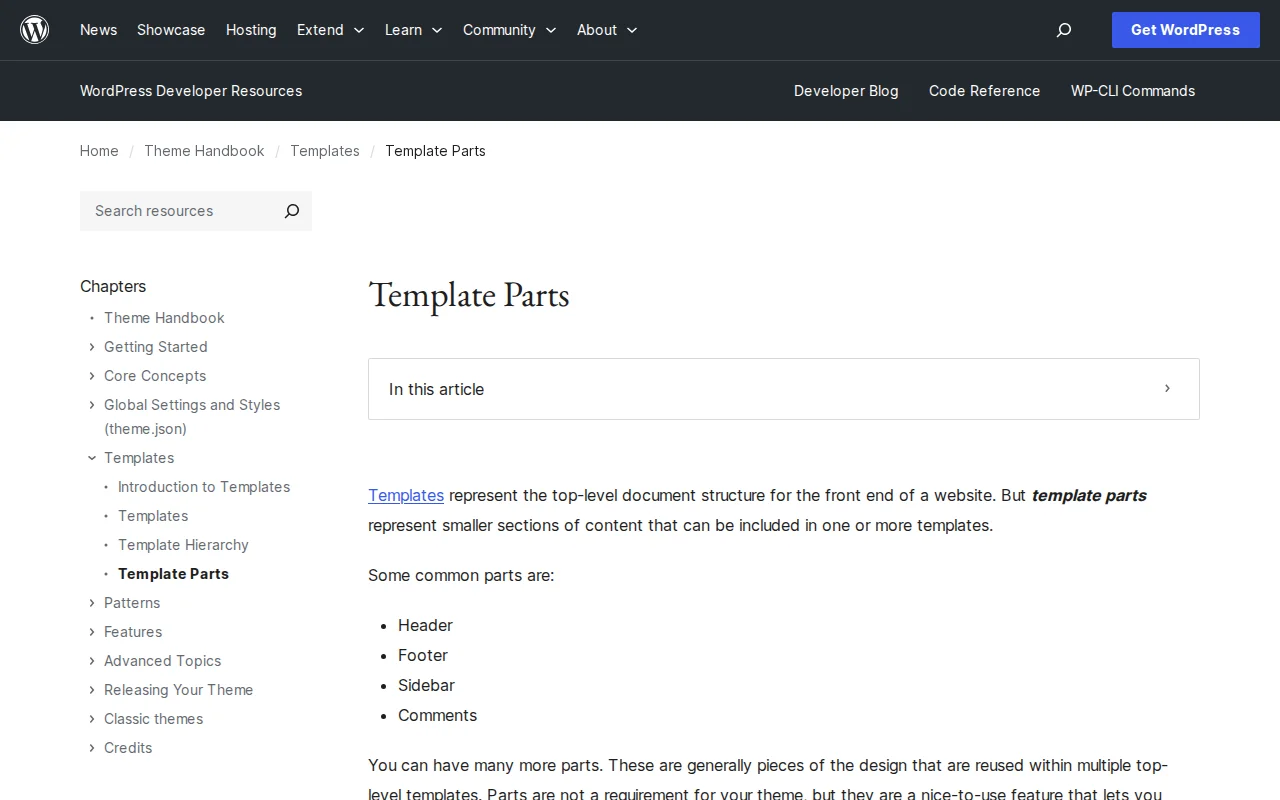
What Is a Template Part?
A template part is a reusable section of a block theme that can be included in one or more templates. While templates represent the full page structure, template parts represent smaller, repeatable pieces — your site header, footer, sidebar, or comments section.
In block themes, template parts are HTML files stored in the /parts/ directory of your theme. Common examples include parts/header.html and parts/footer.html. These files contain block markup only — no PHP code is needed.
Templates include a template part using the Template Part block, written in HTML as:<!-- wp:template-part {"slug":"header"} /-->
Unlike templates, which WordPress loads automatically based on the page being viewed (using the template hierarchy), template parts are never loaded on their own. They must always be explicitly included by a parent template through the Template Part block.
You can edit template parts visually in the Site Editor (Appearance → Editor) without writing any code. Changes made in the Site Editor are saved to the database and override the theme files. For theme developers distributing a theme, WordPress recommends copying edited markup back into the /parts/ files.
Template Parts in Practice
Every block theme typically includes at least two template parts:
- Header (
parts/header.html) — site logo, navigation menu, search bar - Footer (
parts/footer.html) — copyright notice, footer links, widgets
You can create custom template parts by adding new HTML files to the /parts/ folder and optionally registering them in theme.json under the templateParts array. Registering them gives them a human-readable label in the Site Editor. WordPress supports three built-in areas for template parts: header, footer, and general (uncategorized). Developers can register additional custom areas using the default_wp_template_part_areas filter.
Why It Matters
Template parts let you manage shared layout sections in one place. Update your header template part once, and every template that uses it reflects the change — no need to edit each template individually. If you are building or customizing a block theme, understanding template parts is essential. See our best themes guide for themes with well-structured template parts.
Sources: Developer.WordPress.org — Template Parts, WordPress.org — Template Part Block