
Canonical URL
Quick Definition
A canonical URL is the preferred version of a web page that you want search engines to index. It is set with a rel="canonical" tag and prevents duplicate content from splitting your SEO value across multiple URLs.
What Is a Canonical URL?
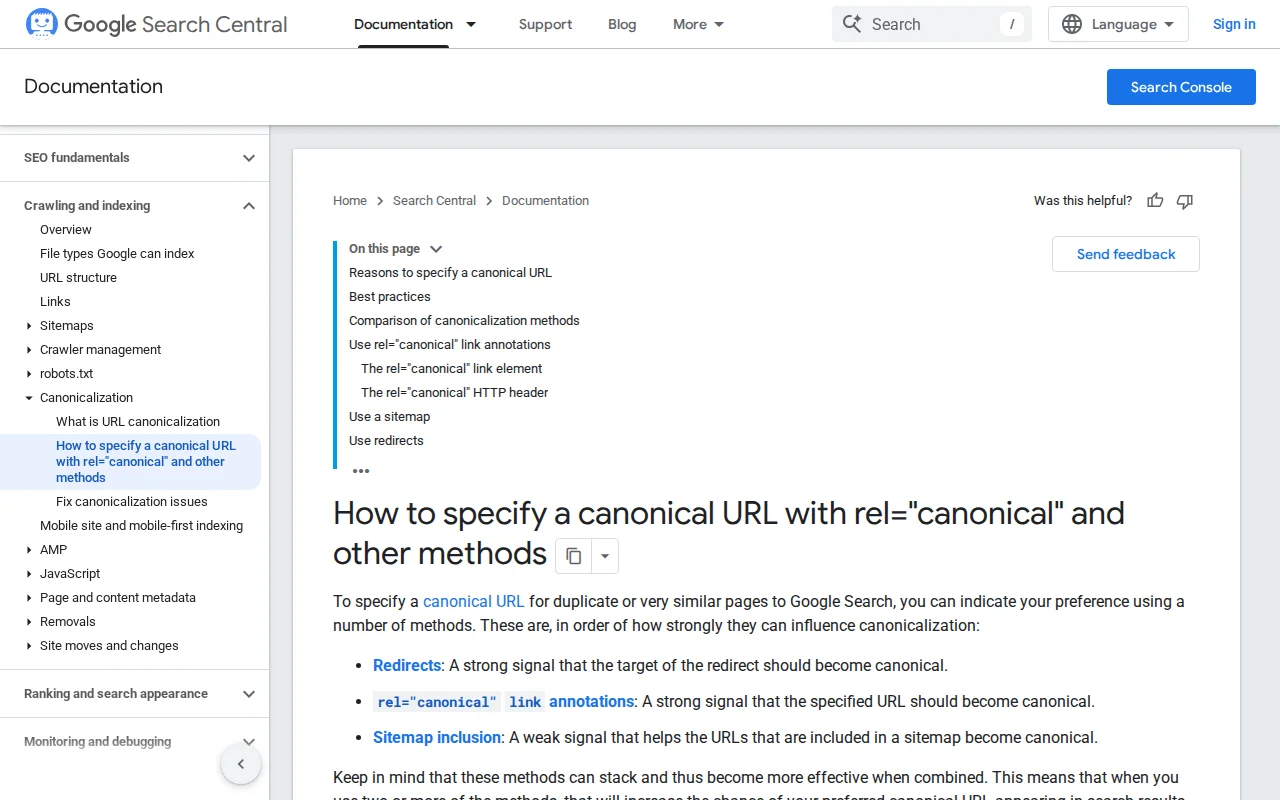
A canonical URL is the "official" version of a page that you want search engines to index and rank. You declare it with a <link rel="canonical" href="..."> tag in the HTML <head>, telling Google: "If you find multiple versions of this content, this is the one that matters."
Why do duplicate URLs exist in the first place? WordPress can often serve the same content at multiple addresses:
https://example.com/my-post/(with trailing slash)https://example.com/my-post(without trailing slash)http://example.com/my-post/(HTTP vs HTTPS)https://www.example.com/my-post/(www vs non-www)https://example.com/my-post/?utm_source=twitter(with tracking parameters)https://example.com/category/news/my-post/(category-based permalink)
Without a canonical tag, search engines might index multiple versions, splitting your backlink authority and SEO value across them. A 301 redirect permanently sends visitors from the wrong URL to the right one. A canonical tag is softer — it tells search engines which version to prefer without actually redirecting visitors.
WordPress adds canonical tags automatically since version 2.9. If you view the source of any WordPress page, you will see a <link rel="canonical"> tag in the <head>. SEO plugins like Yoast SEO and Rank Math give you additional control — they let you set a custom canonical URL per post or page, which is essential when you intentionally republish content from another source (like a syndicated article or a product that appears in multiple categories).
Canonical URLs in Practice
The most common situations where you need to think about canonical URLs:
- Pagination — Your blog archive at
/blog/page/2/should not compete with/blog/. WordPress handles this automatically. - Tracking parameters — URLs with
?utm_source=...or?ref=...create duplicates. The canonical tag points back to the clean URL. - HTTP vs HTTPS / www vs non-www — Set your preferred format in Settings > General and use 301 redirects for the rest.
- Content syndication — If you republish an article from another site (with permission), set the canonical to the original source to avoid duplicate content penalties.
- WooCommerce products in multiple categories — A product accessible at
/shoes/red-sneaker/and/sale/red-sneaker/needs one canonical URL.
You can verify your canonical tags using Google Search Console's URL Inspection tool — it shows which URL Google considers canonical for any page on your site.
Why It Matters
Canonical URLs are a foundational SEO concept. Without them, your content's ranking power gets diluted across duplicate URLs, and Google may choose the wrong version to index. Every well-configured WordPress site uses canonical tags — and understanding them helps you troubleshoot indexing issues, manage content syndication, and keep your SEO clean.