
Accessibility
Quick Definition
Accessibility in WordPress means designing and building your site so that everyone can use it — including people with visual, hearing, motor, or cognitive disabilities who use assistive technologies like screen readers and keyboards.
What Is Accessibility?
Accessibility (often abbreviated as a11y) means making your website usable by as many people as possible — including those who navigate with keyboards instead of mice, use screen readers to hear content read aloud, have color vision deficiencies, or experience cognitive or motor impairments.
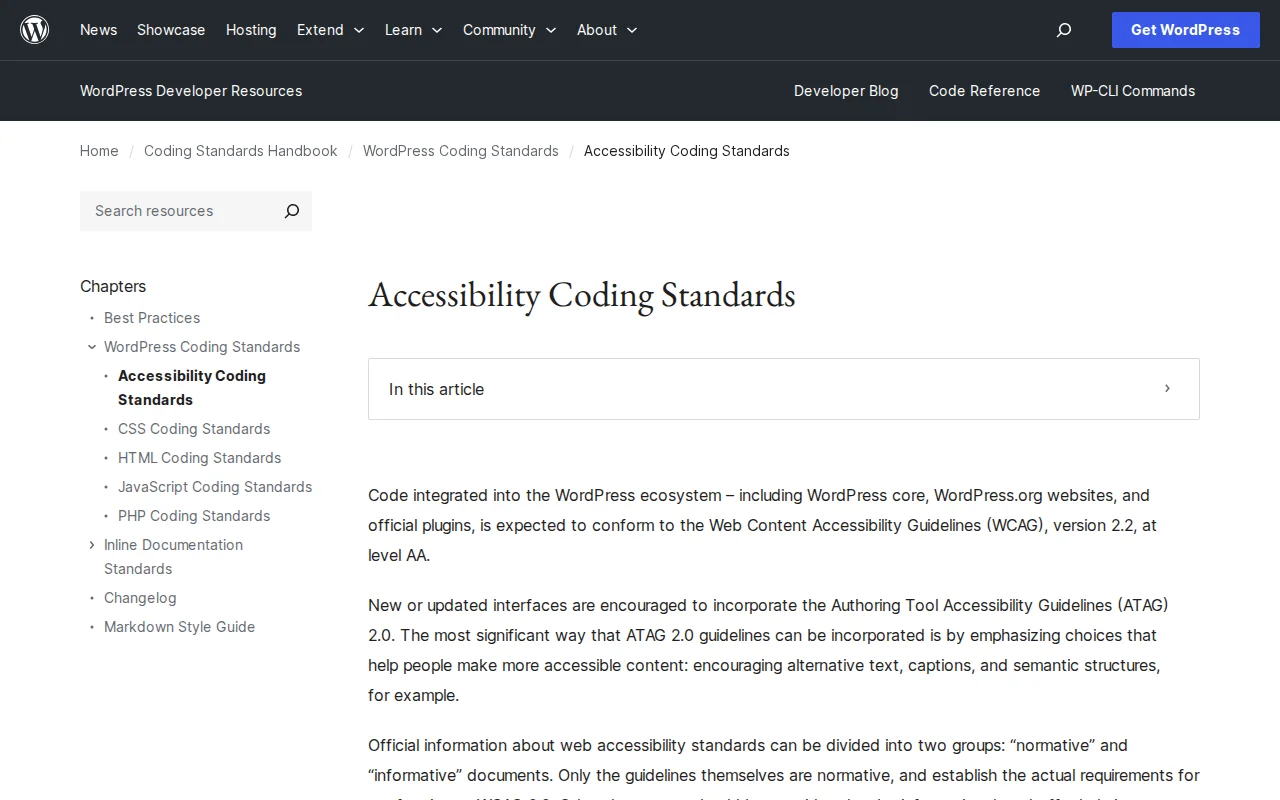
WordPress takes accessibility seriously. All code in WordPress core, wordpress.org, and official plugins is expected to conform to the Web Content Accessibility Guidelines (WCAG) 2.2 at Level AA — the globally recognized standard for web accessibility. WCAG is built on four principles:
- Perceivable — Content must be available through multiple senses. Images need alt text, videos need captions, and color alone should not convey meaning.
- Operable — Every feature must work with a keyboard. Menus, forms, buttons, and links must be navigable without a mouse.
- Understandable — Content should use clear language, and the interface should behave predictably. Form fields need labels, error messages should be specific.
- Robust — Content must work across browsers and assistive technologies. Semantic HTML (
<nav>,<main>,<button>) is preferred over generic<div>elements.
For theme developers, WordPress offers an "accessibility-ready" tag in the theme directory. Themes with this tag have been reviewed and meet specific requirements: keyboard navigation, proper heading hierarchy, sufficient color contrast, visible focus indicators, and correct ARIA (Accessible Rich Internet Applications) attributes where needed.
ARIA attributes help screen readers understand interactive elements that semantic HTML alone cannot describe — like custom dropdown menus, modal dialogs, and dynamic content loaded via AJAX. However, the first rule of ARIA is: do not use ARIA if semantic HTML already provides the meaning.
Accessibility in Practice
Practical steps every WordPress site owner should take:
- Add descriptive alt text to every image
- Use proper heading hierarchy (H1 > H2 > H3, never skip levels)
- Ensure your theme has sufficient color contrast (at least 4.5:1 for normal text)
- Make sure all forms have visible labels — not just placeholder text
- Test your site with keyboard-only navigation (Tab through every interactive element)
- Choose themes with the "accessibility-ready" tag from the WordPress theme directory
Plugins like WP Accessibility (free) add skip-to-content links, remove tabindex attributes, and fix common accessibility issues without changing your theme. For automated testing, tools like axe DevTools (browser extension) and WAVE scan your pages for WCAG violations.
Why It Matters
Accessibility is not optional — it is a legal requirement in many countries (ADA in the US, EAA in the EU, AODA in Canada) and a moral imperative. Beyond compliance, accessible sites have better SEO (search engines read the same semantic HTML that screen readers do), lower bounce rates, and reach a wider audience. WordPress powers 43% of the web — making it accessible means making the internet more inclusive for everyone.