
Lazy Loading
Quick Definition
Lazy loading is a technique that delays loading images and videos until a visitor scrolls to them. Instead of loading all media at once, only what is visible loads first — making your page appear much faster.
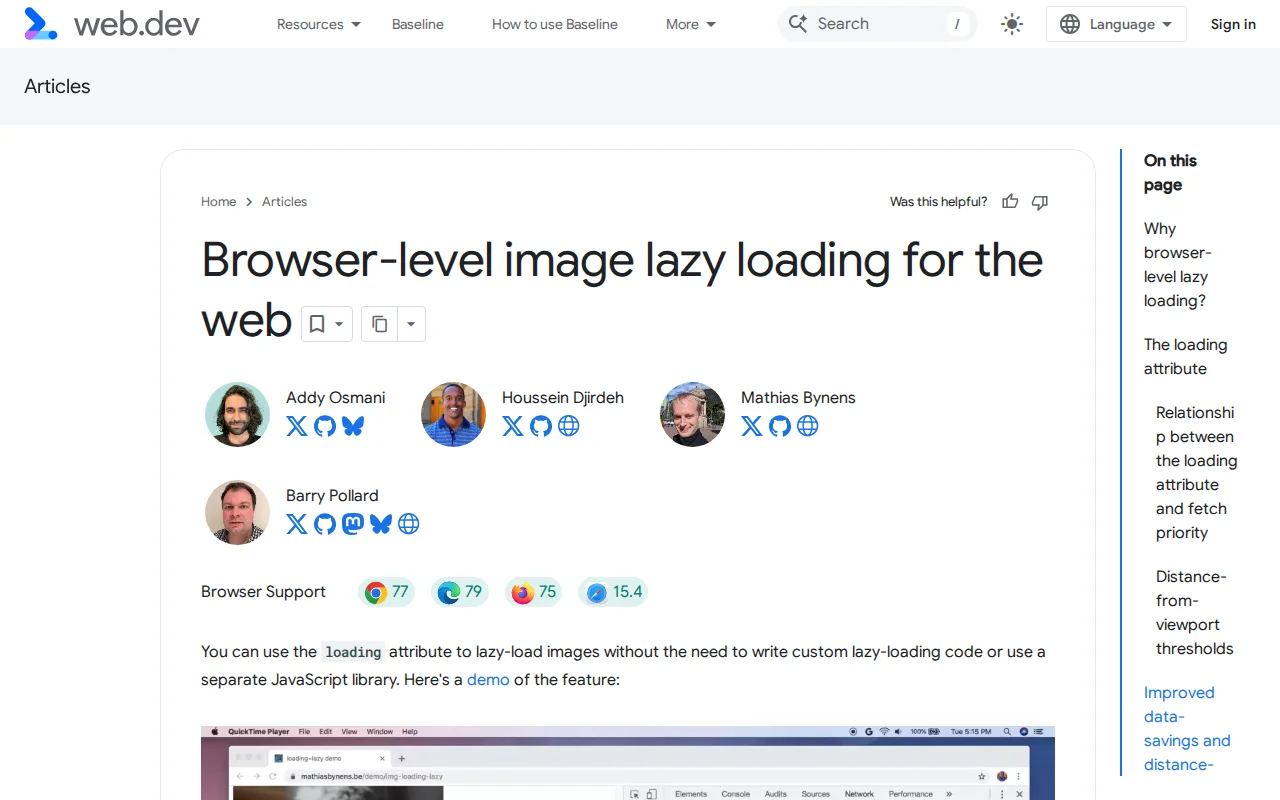
What Is Lazy Loading?
Lazy loading is a performance optimization technique that defers the loading of images, iframes, and videos until the user actually scrolls to them. Instead of downloading every image on the page the moment someone visits — including images far below the fold that may never be seen — the browser only loads what is currently visible in the viewport.
Think of it like a restaurant that does not cook every dish on the menu when you walk in. It waits until you order, then prepares your food. Lazy loading works the same way: your browser only "orders" (downloads) images when they are about to appear on screen.
The result is a dramatically faster initial page load, lower bandwidth usage, and better Core Web Vitals scores — especially Largest Contentful Paint (LCP) and Speed Index.
Lazy Loading in WordPress
Since WordPress 5.5 (released August 2020), lazy loading for images is built into WordPress core. The CMS automatically adds the loading="lazy" HTML attribute to all images that have width and height attributes set. This was extended to iframes (like YouTube embeds) in WordPress 5.7.
Here is what the HTML looks like:
<img src="photo.webp" width="800" height="450" loading="lazy" alt="...">
The loading="lazy" attribute is supported natively by all modern browsers — Chrome, Firefox, Edge, Safari, and Opera. No JavaScript required.
Important: WordPress intentionally does not lazy-load the first image on the page (above the fold). That image uses loading="eager" instead, because lazy-loading your LCP element would actually make it slower — the browser needs to load it immediately.
When to Use a Plugin
WordPress's built-in lazy loading handles most cases. However, plugins add extra features:
- WP Rocket — Lazy loads images, iframes, and videos. Also replaces YouTube embeds with a lightweight placeholder image until clicked.
- Perfmatters — Fine-grained control over which elements to lazy load, with exclusion rules.
- LiteSpeed Cache — Includes lazy loading as part of its broader caching and optimization suite.
A plugin is worth considering if you have many YouTube embeds (replacing them with placeholder images saves significant bandwidth), need to lazy-load background images set via CSS, or want to exclude specific images from lazy loading.
Why It Matters
A typical WordPress blog post might have 10–20 images. Without lazy loading, all of them download simultaneously when the page loads — even if the visitor only reads the first two paragraphs. With lazy loading, only 2–3 images load initially, and the rest load as needed. This can reduce initial page weight by 50–80% on image-heavy pages. For mobile users on slower connections, that is the difference between a page that loads in 2 seconds and one that takes 8.
Sources: MDN: Lazy Loading, web.dev: Browser-Level Lazy Loading, WordPress Core: Lazy Loading in 5.5