
Data Layer
Quick Definition
A JavaScript array (dataLayer) that temporarily stores structured page and user data so Google Tag Manager can read it and pass it to analytics tags, triggers, and variables.
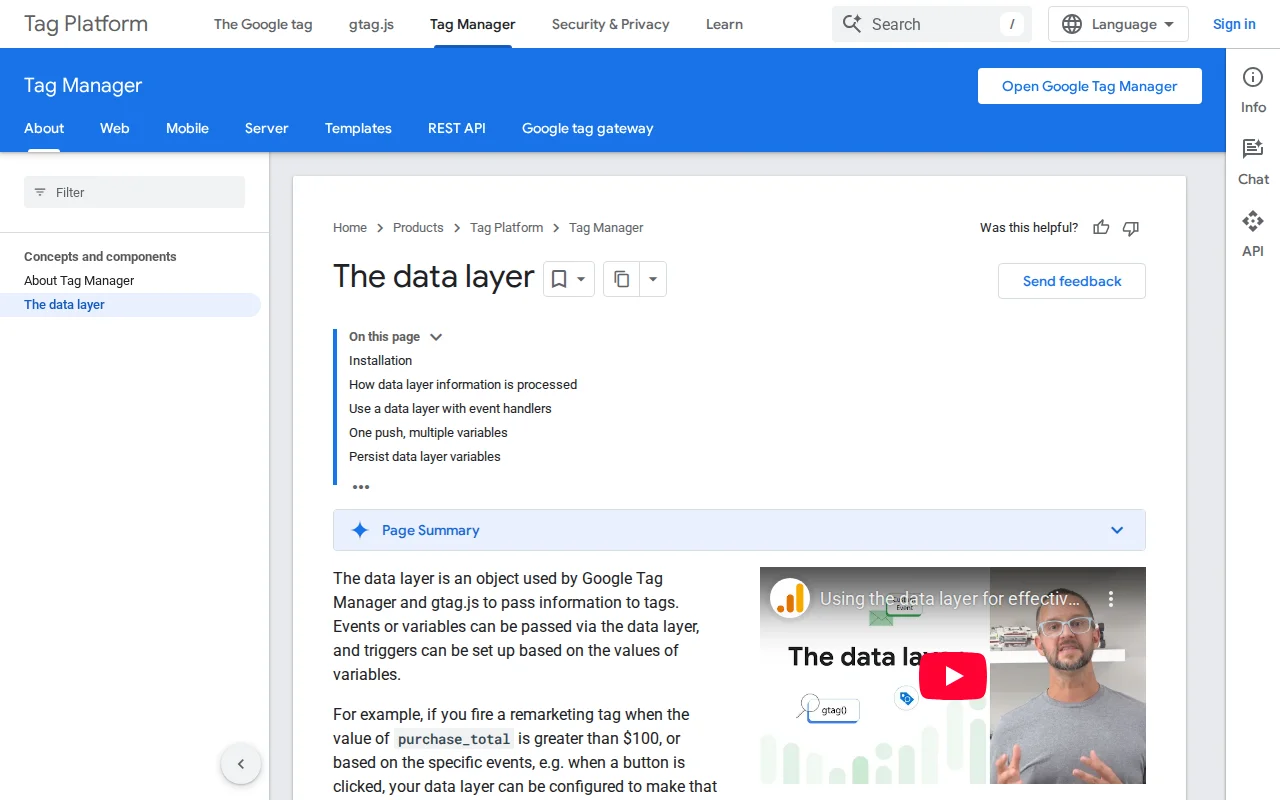
What Is the Data Layer?
The data layer is a JavaScript array that acts as a temporary storage layer between your website and Google Tag Manager (GTM). When GTM loads on a page, it creates the dataLayer array automatically. Your website — or a WordPress plugin — then pushes structured key-value pairs into that array so GTM can read them and use them in tags, triggers, and variables.
The standard syntax looks like this:
window.dataLayer = window.dataLayer || [];
window.dataLayer.push({
  'event': 'formSubmission',
  'formId': 'contact-form-1'
});
The window.dataLayer = window.dataLayer || [] line safely initializes the array if it does not exist yet. The push() method then appends a new object without overwriting any data that is already in the array. When GTM sees the special event key, it logs a distinct event that you can use to fire a Custom Event trigger. All other keys — like formId above — become accessible through Data Layer Variables in your GTM container.
On a WordPress site, plugins handle the heavy lifting. GTM4WP (Google Tag Manager for WordPress) is the most widely used plugin for this purpose. It automatically pushes rich page metadata into the data layer on every page load: post type, page title, categories, tags, author name, publication date, logged-in status, and user role. For WooCommerce stores, it adds the full set of GA4 ecommerce events — view_item, add_to_cart, begin_checkout, and purchase — complete with product IDs, names, prices, and quantities.
Data Layer in Practice
GTM4WP remains the standard WordPress plugin for populating the data layer. After you install the plugin and paste your GTM container ID, it starts outputting a dataLayer object on every page. Inside GTM, you create Data Layer Variables that reference specific keys (for example, pagePostType or pagePostAuthor), then use those variables in triggers or as parameters inside your GA4 event tags.
For ecommerce, GTM4WP maps WooCommerce actions to the GA4 ecommerce data layer schema. When a customer adds a product to their cart, the plugin fires a dataLayer.push() with the add_to_cart event and all required product parameters. You do not need to write any custom JavaScript — the plugin handles the mapping between WooCommerce hooks and GTM events.
You can also push custom data layer variables using a small code snippet in your theme's functions.php or with a plugin like Code Snippets, giving you full control over what data GTM can access.
Why It Matters
Without a data layer, you would have to scrape information directly from the page HTML — a brittle approach that breaks whenever the design changes. The data layer decouples your tracking from your template code, making your analytics setup more reliable and easier to maintain. If you plan to install Google Analytics through GTM, understanding the data layer is essential — it is the mechanism that delivers your WordPress site's context to every tag you configure.