
Crawl Budget
Quick Definition
Crawl budget is the number of pages Google will crawl on your site within a given time period. It determines how quickly your new and updated content gets discovered and indexed.
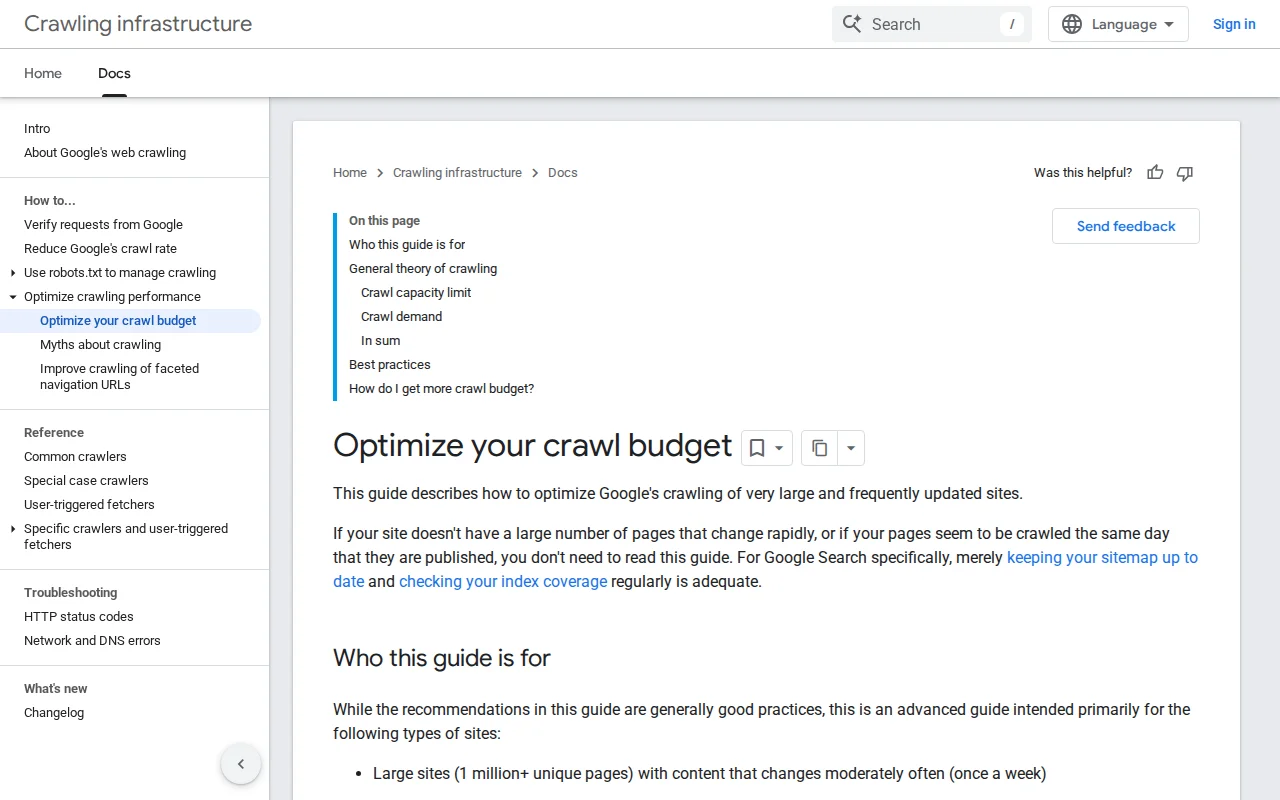
What Is Crawl Budget?
Crawl budget is the number of pages a search engine bot (like Googlebot) will visit on your website within a specific timeframe — typically measured per day. Google determines your crawl budget based on two factors:
- Crawl capacity limit — How fast your server can handle requests. If your site responds quickly, Google crawls more. If your server is slow or returns errors, Google backs off to avoid overloading it.
- Crawl demand — How much Google wants to crawl your site. Popular sites with frequently updated content get crawled more often. Sites with stale content and few backlinks get less attention.
When Googlebot visits your site, it follows links from page to page, reading content and adding pages to its index. But it does not crawl everything in one visit — it has a budget, and when that budget is spent, it stops and comes back later. Pages it did not reach must wait for the next crawl cycle.
For most small WordPress sites (under 10,000 pages), crawl budget is not something you need to worry about. Google can crawl a few hundred pages in a single session, and a site with 50–200 pages will be fully crawled every few days. But crawl budget becomes critical for:
- Large sites with thousands of posts, WooCommerce products, or glossary terms
- New sites with low authority — Google gives less crawl budget to sites it does not know yet
- Sites with technical issues — Slow server response, broken links, redirect chains, or duplicate content all waste crawl budget on non-valuable pages
Crawl Budget in Practice
You can see how Google crawls your site in Google Search Console > Settings > Crawl Stats. This shows total requests per day, average response time, and any crawl errors. If your "Discovered — currently not indexed" count is high, crawl budget may be a factor.
WordPress-specific ways to optimize crawl budget:
- Submit a clean XML sitemap — Tell Google exactly which pages matter. Exclude tag archives, author pages, and other thin content.
- Block low-value pages in robots.txt — Prevent Googlebot from wasting budget on search result pages, login pages, or admin URLs.
- Fix crawl errors — Broken links (404s) and redirect chains waste crawl budget. Use a plugin like Redirection or your SEO plugin's redirect manager.
- Improve server speed — A fast server means more pages per crawl session. Use caching and a good host.
- Internal linking — Strong internal links help Googlebot discover deep pages. Every important page should be reachable within 3 clicks from the homepage.
Why It Matters
If Google cannot find your pages, it cannot index them — and unindexed pages get zero search traffic. Understanding crawl budget helps you diagnose why some pages are "Discovered but not indexed" in Search Console and take action to get them crawled faster. For growing WordPress sites with hundreds of articles, a healthy crawl budget is the difference between content that ranks and content that sits invisible.